
Prerequisites
-
You have downloaded or have been provided Shinydocs Migration Setup x.x.x.exe
-
Elasticsearch is installed on your PC
Installing the Migration Tool
-
Navigate to the folder where you downloaded the Migration Tool installation file
-
Double-click Shinydocs Migration Setup x.x.x.exe
The application is installed and a Shinydocs Migration shortcut is placed on your Desktop. The Migration Tool runs automatically when installation is completed.
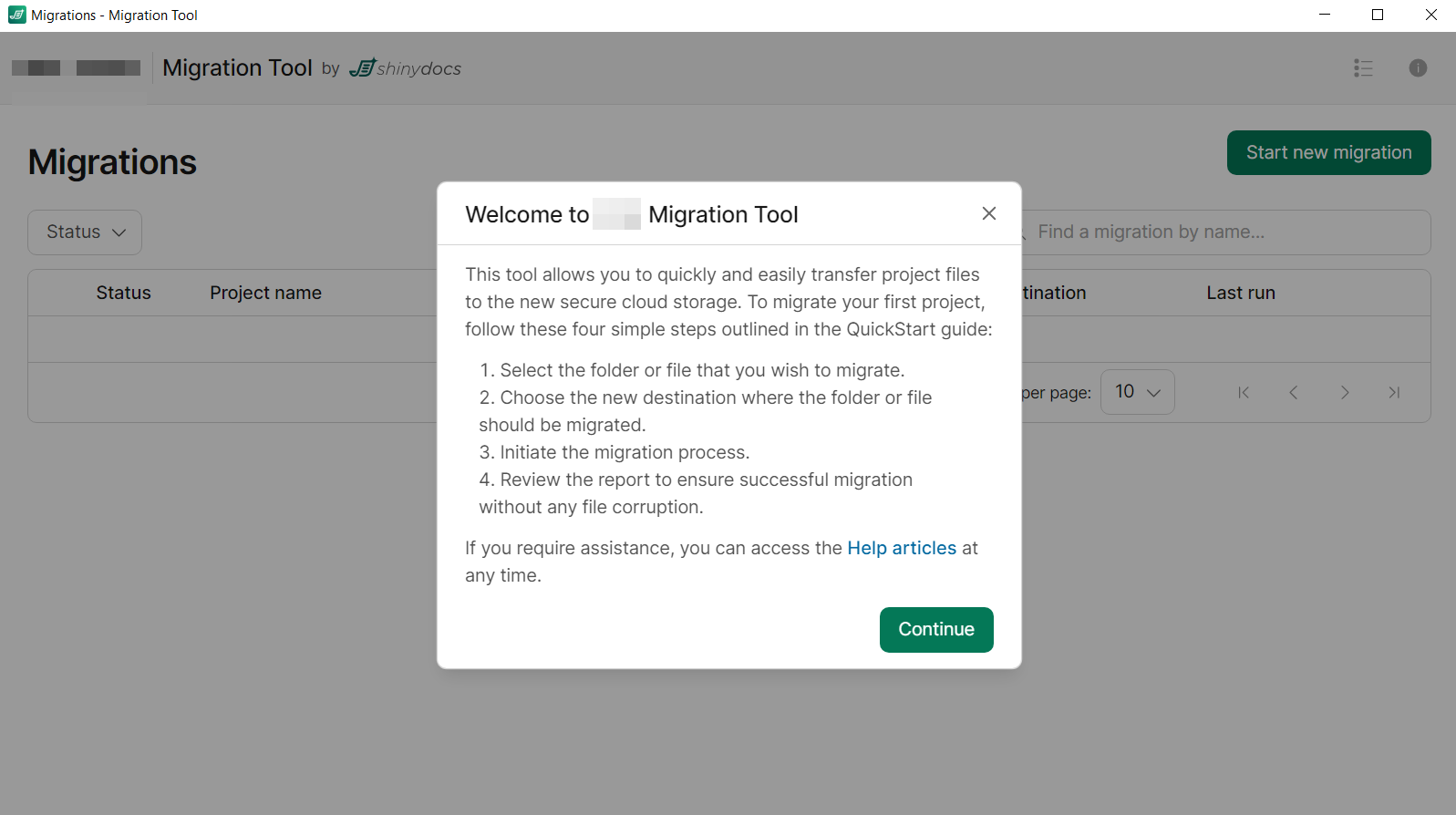
Congratulations! You have successfully installed the Migration Tool.