
Enabling server-side file cache may increase download speeds for users and reduce the load on your Content Source. Enabling this option will expand the panel, allowing you to specify the location of the File Cache.
-
Log into Shinydrive Admin
-
Navigate to GENERAL SETTINGS
-
Enable File Cache
-
Enter the FILE CACHE LOCATION
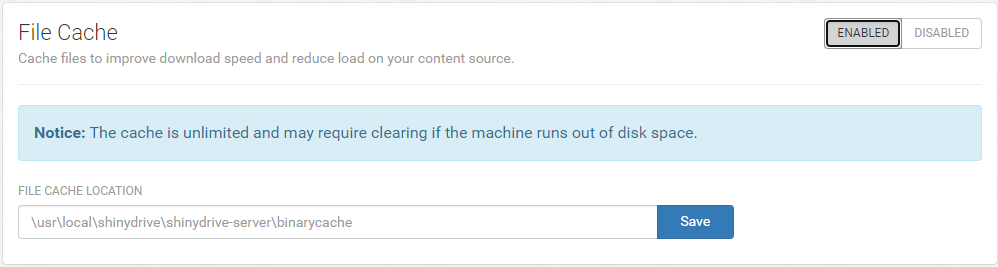
-
Save
Do not set the cache to a network location. It must be set to a local location on the server.