Problem
Sometimes, applications crash. There are thousands of things that can cause this to happen, luckily there is a Windows tool that can help you and the Shinydocs Help Desk diagnose the problem. Windows Event Viewer.
How to use Event Viewer for application crashes:
Once the application has crashed:
-
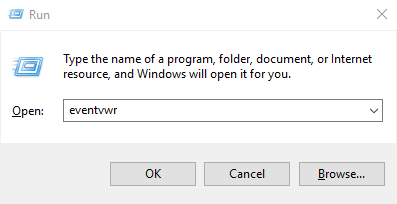
Open Event Viewer on the machine that has had the crash. You can do this by running eventvwr from the Windows Run app - (Windows Key + R) and enter "eventvwr", click OK
-
Allow Event Viewer to start, this can take a couple of minutes, depending on the machine.
-
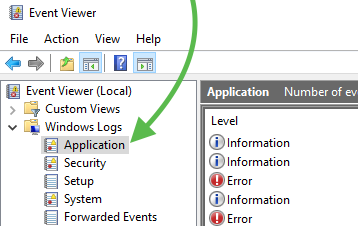
Navigate to Windows Logs>Application in the left-side navigation tree.
-
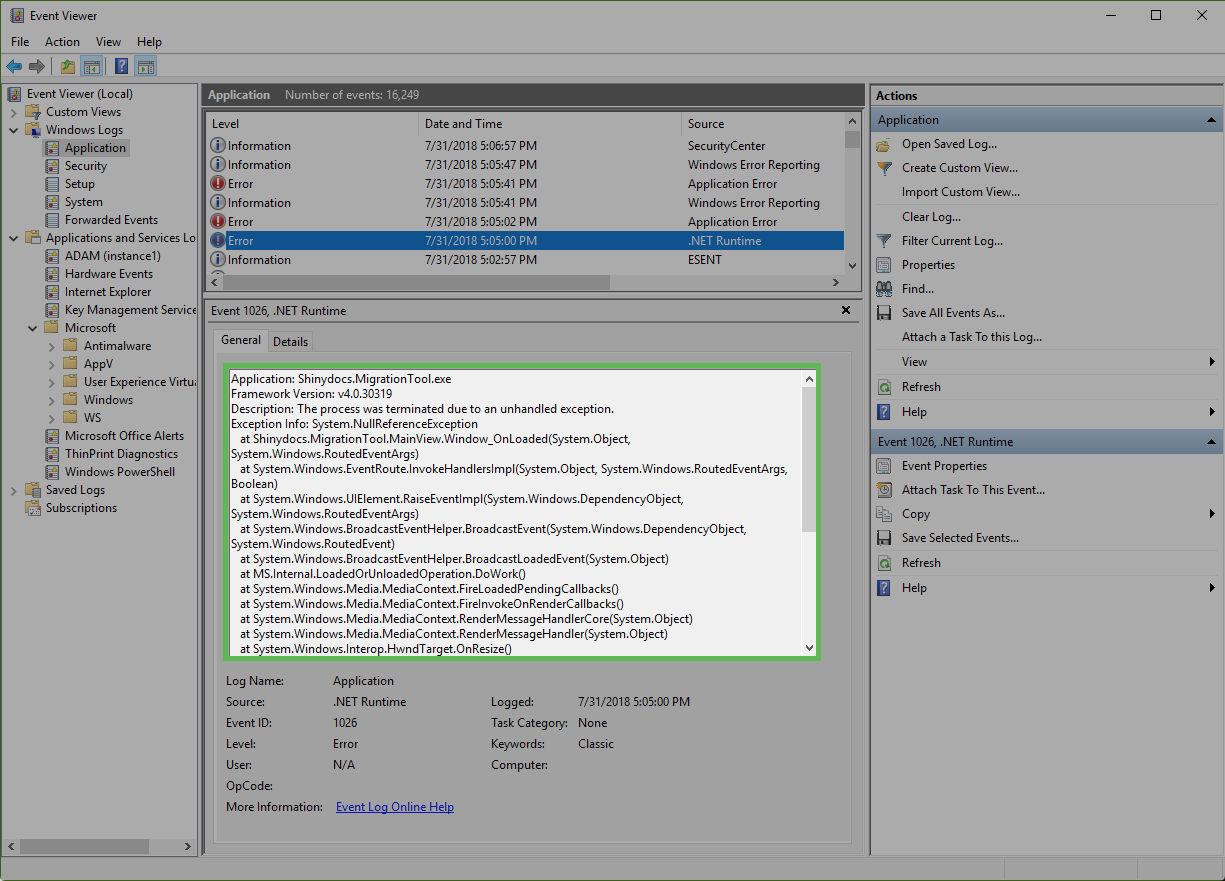
Look for an

Error that correlates to the time the application crashed in the main viewer area. There may be multiple errors in the crash,
-
Once you have found the errors copy the text in the General view and paste it in the Help Desk ticket as a comment or by saving it as a .txt file and uploading it to the Help Desk ticket