
Problem
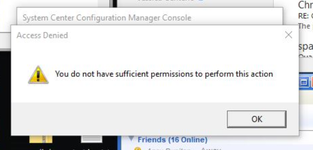
You see the error “You do not have sufficient permissions to perform this action” when installing applications while Shinydrive is running.
Solution
Make sure that Shinydrive is not running when installing other software.
1. Right-click on the Shinydrive icon in the Windows Task Bar
2. Choose Disconnect from the fly-out menu
3. Install software/applications
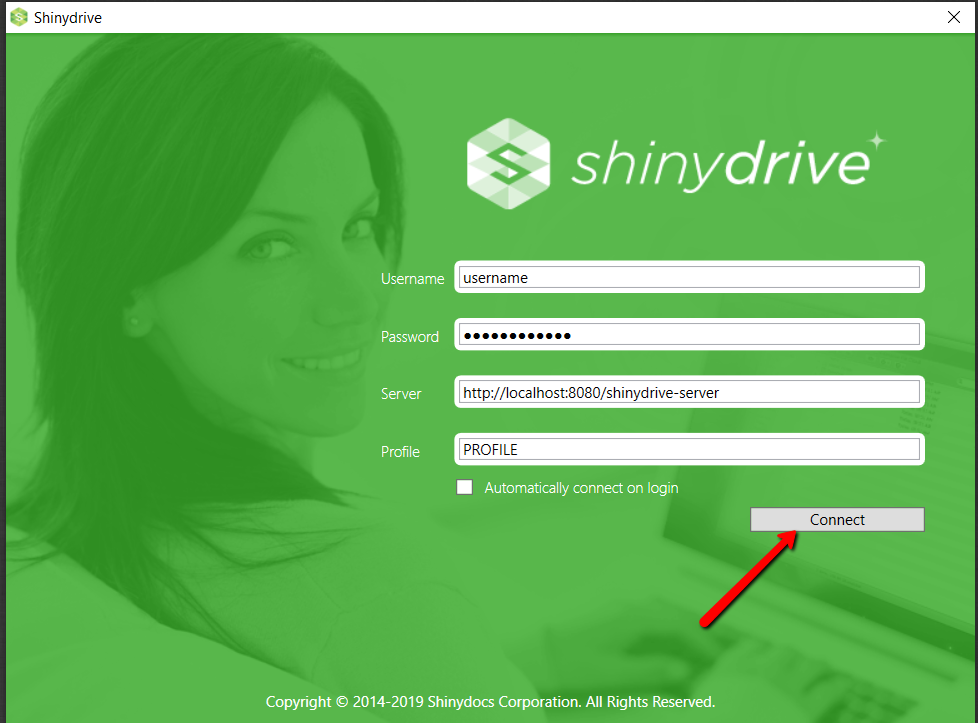
4. Click Connect from the Shinydrive login screen
For example, when installing Microsoft apps, the installer looks for the highest drive number/volume to create temporary files/folders. This doesn't work with Shinydrive mounted drives.