
Problem
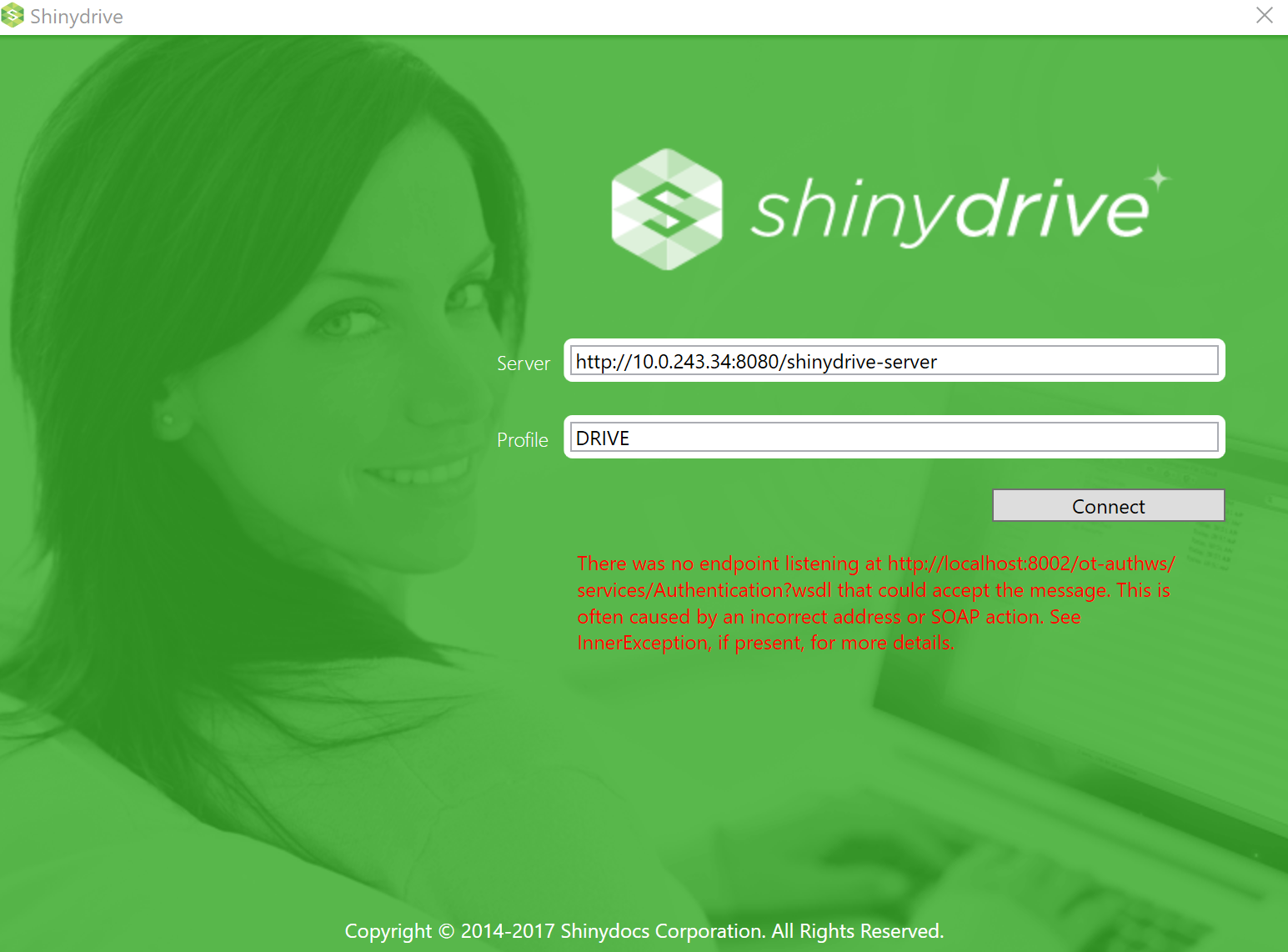
When trying to log into Shinydrive Windows desktop client an error is displayed on the Shinydrive login screen:
Solution
In the error message if the error refers to "localhost" in the URL this is due to the fact that Content Server OTDS is referencing this.
To correct this, contact your Content Server administrator and check the following
-
Log into Content Server as Administrator
-
Proceed to Content Server Administration panel
-
Select "Directory Services Integration Administration"
-
Select "Configure Integration Settings"
-
(NOTE: changing this might affect your OTDS setup integrity, proceed with caution)
-
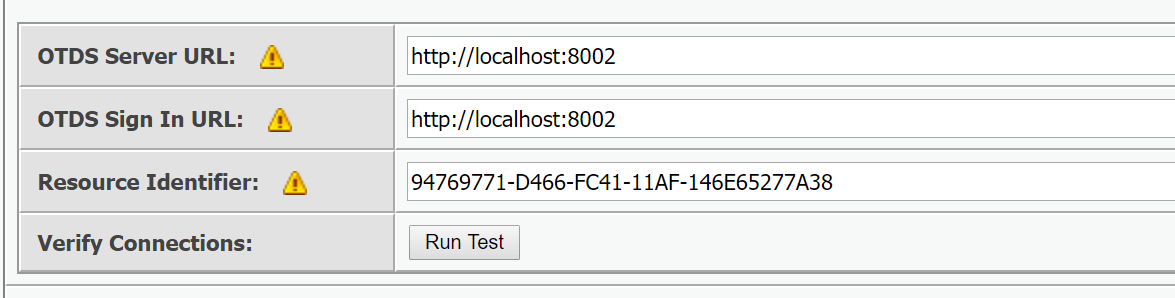
Check the OTDS Server URL and OTDS Sign In URL
-
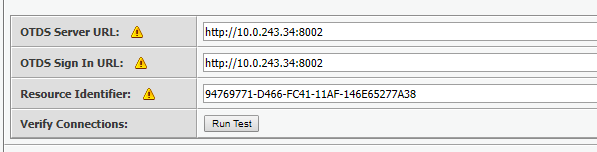
If these are referring to "localhost" you might have to reference the IP to where the OTDS is running
-
-
Referencing IP
-
-
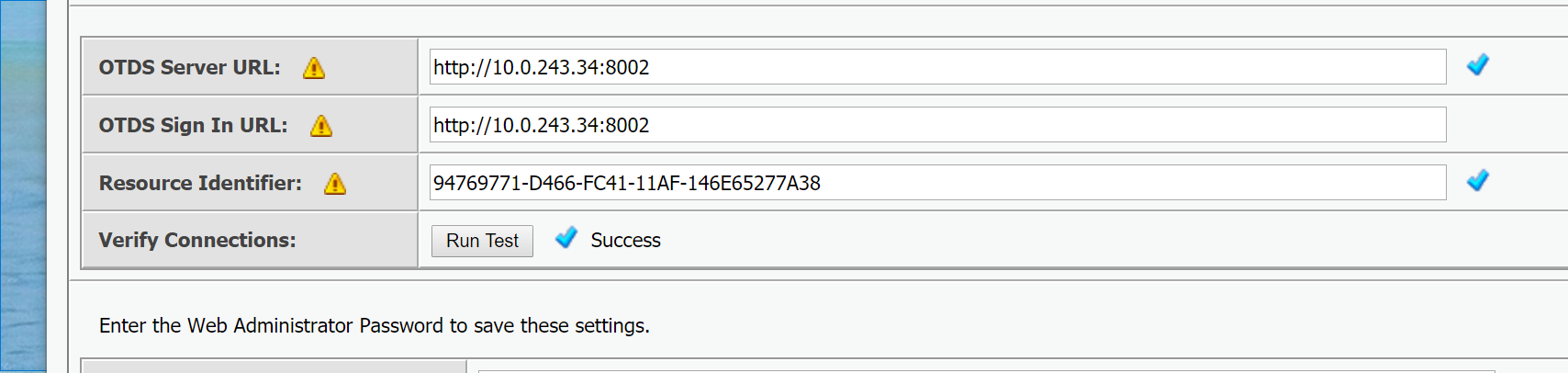
After making this change ensure to run a test before saving the changes, click on "Run Test". Ensure "Success" and checkmarks are displayed.
-
-
Start Shinydrive and sign in using SSO
-
If you are still experiencing issues after this please open a helpdesk ticket and we can look into it further.