
To delete an application, be listed as an owner of the application or have admin privileges.
-
Sign in to the Azure portal.
-
If you have access to multiple tenants, use the Directory + subscription filter in the top menu to select the tenant in which the app is registered.
-
Search and select the Azure Active Directory.
-
Under Manage, select App registrations and select the application that you want to configure.
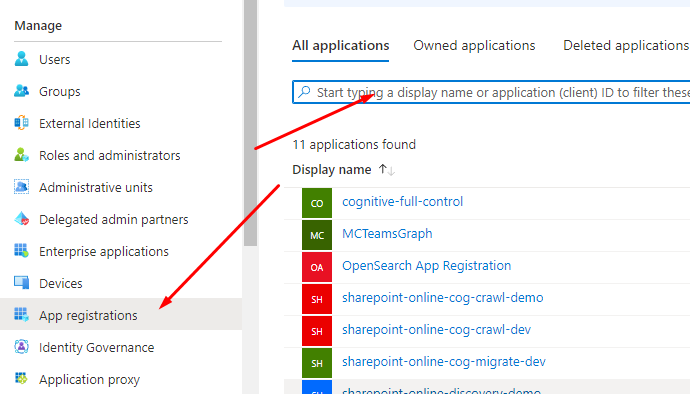
Once you've selected the app, you'll see the application's Overview page.

-
From the Overview page, select Delete.
-
Read the deletion details. Check the box if one appears at the bottom of the pane.
-
Select Delete to confirm that you want to delete the app.
Microsoft KB Article: https://learn.microsoft.com/en-us/azure/active-directory/develop/howto-remove-app