
The Control Center in Shinydocs Pro can connect to various content sources to analyze your documents for PII (Personally Identifiable Information), ROT (Redundant, Outdated, and Trivial data), duplicates, and more.
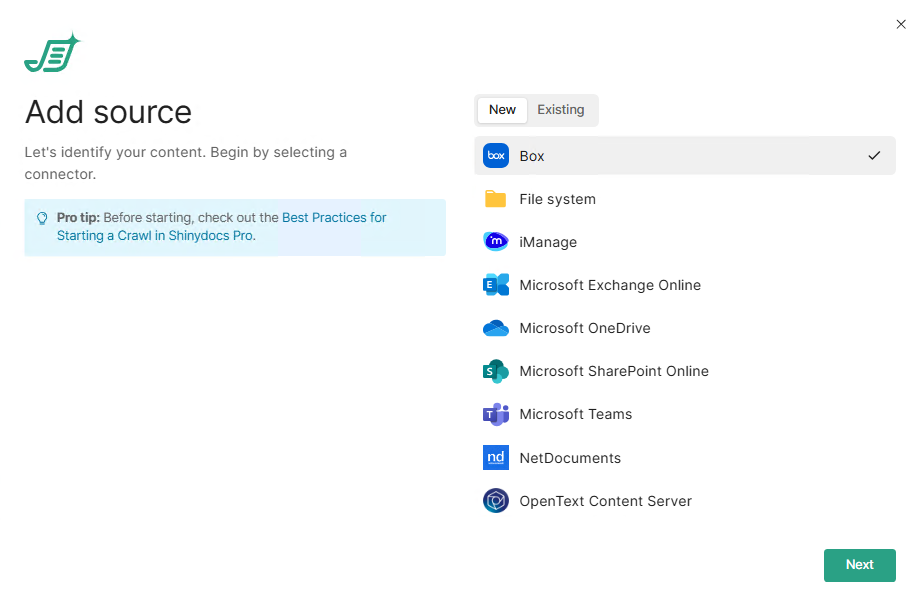
These guides provide step-by-step instructions for accessing each content source, including configuring permissions, API keys, and application authorization. By following these guides, you’ll ensure that Shinydocs Pro has the necessary access to scan and analyze your data efficiently.
-
Best Practices for Starting a Crawl in Shinydocs Pro -
Adding and Configuring Data Sources in Shinydocs Professional -
Configure Shinydocs Pro Control Center for File System/File Shares -
Configure Shinydocs Pro Control Center for Microsoft Sources (OneDrive, Teams, SharePoint Online, Exchange Online) -
Configure Shinydocs Pro Control Center in iManage -
Configure Shinydocs Pro Control Center access for NetDocuments -
Configure Shinydocs Pro Control Center in Box -
Configure Shinydocs Pro Control Center for OpenText Content Server (OTCS) -
Configure Shinydocs Pro Control Center for Laserfiche -
Configure Shinydocs Pro Control Center for Azure Files (Azure file share) -
Configure Shinydocs Pro Control Center for eDocs